
Desktop Troubleshooting Without Equipment Downtime
Desktop Computer Repair in Haughton for malware removal, OS recovery, and hardware diagnostics serving home offices and local businesses
Home offices and small businesses in Haughton face productivity loss when desktop computers fail to boot, display persistent error messages, or slow to unusable speeds during normal tasks. Technician To Go operates from Haughton, conducting remote desktop repair for Windows and Mac systems through secure access tools that resolve malware infections, OS corruption, and driver conflicts without the multi-day downtime of physical shop visits. Northwest Louisiana businesses without dedicated IT staff avoid equipment downtime by accessing same-day remote diagnostics that identify whether system failures stem from software misconfiguration or hardware approaching end of life.
Remote sessions address startup failures, performance degradation, malware removal, and update issues through live access to your desktop. The technician runs hardware monitoring tools to identify failing hard drives, overheating processors, or bad memory modules before total system failure occurs. Local hardware pickup and delivery is available if remote diagnostics confirm physical component replacement is necessary, though most issues resolve through software repair alone.
Schedule a remote diagnostic session to identify the specific cause of startup failures or performance issues before replacing equipment.
Why Desktop Systems Fail and How Repair Restores Them
Desktop repair begins with boot diagnostics, examining event logs to identify which services crash during startup and which hardware components report errors during POST. Remote technicians resolve malware infections by removing rootkits, browser hijackers, and ransomware remnants that antivirus software missed, then repair OS damage caused by malicious code. Sessions address driver conflicts preventing devices from functioning, Windows registry corruption causing random crashes, and fragmented hard drives where file access times degrade to unusable speeds. Hardware monitoring tools track disk health metrics, identifying drives approaching failure before data loss occurs.
After remote repair, your desktop boots directly to login without error messages or delays, applications open immediately, and file operations complete at expected speeds. Systems infected with malware no longer display popup ads, redirect browser searches, or consume network bandwidth uploading data to remote servers. Startup time drops from five minutes to under 30 seconds once unnecessary services are disabled and corrupted system files are replaced with clean versions.
Physical hardware issues identified during remote sessions receive clear repair scope documentation: failing hard drives show increasing bad sector counts in SMART data, power supply failures cause random shutdowns under load, and overheating from dust buildup produces thermal throttling visible in monitoring software. Technician To Go distinguishes between software fixes completed remotely and hardware repairs requiring physical service, preventing unnecessary component purchases when configuration changes resolve symptoms.
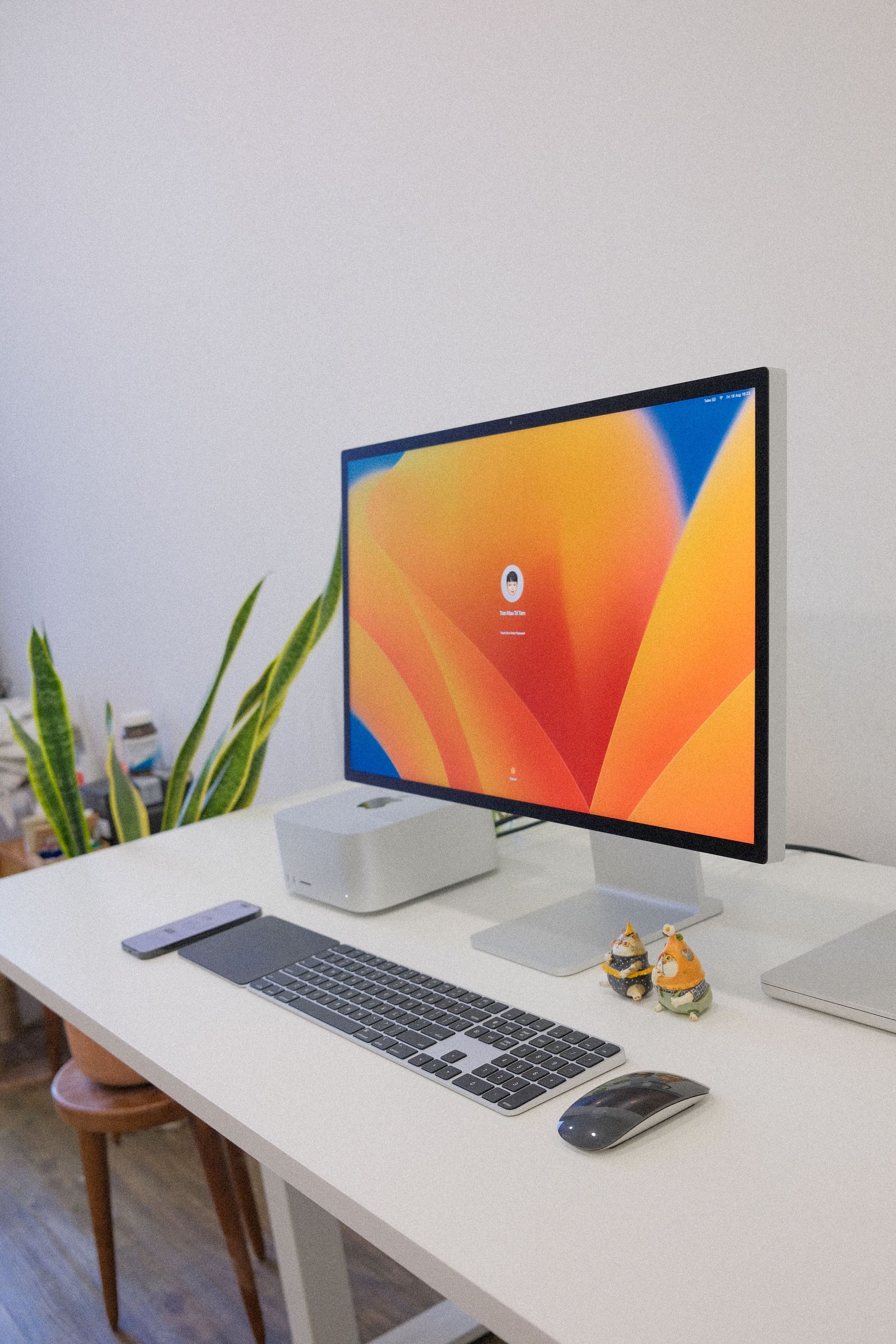
Questions Business and Home Users Ask
Desktop computer owners throughout Northwest Louisiana ask these questions when evaluating remote repair for failed systems.
What desktop problems can you fix remotely?
Remote sessions resolve malware removal, OS corruption repair, driver updates, startup failures, performance optimization, and hardware diagnostics. Failing hard drives, bad power supplies, dead motherboards, and dust-clogged cooling systems require physical repair, but remote diagnostics confirm these issues and provide clear quotes before hands-on work begins.
How do you remove malware that antivirus software missed?
Remote technicians use specialized removal tools that operate outside Windows, scanning for rootkits, bootkit infections, and persistent malware that reloads after standard removal attempts. Sessions also repair OS damage caused by malware, restoring system files and registry settings to clean states.
Why do desktop computers in Haughton offices overheat during summer?
Northwest Louisiana's heat and humidity accelerate dust accumulation inside desktop towers, clogging CPU coolers and case fans. Remote monitoring detects rising temperatures and thermal throttling, indicating cleaning is needed before permanent component damage occurs. Office environments with poor airflow around desktop towers worsen overheating, particularly when units sit in enclosed desk cabinets.
Can you recover data from a desktop that won't start?
If the hard drive is still functional, remote technicians boot the system into recovery mode to access files and transfer them before attempting OS repair. If the drive failed completely, local pickup allows physical data recovery service, though success depends on the nature and extent of drive damage.
How long does remote desktop repair take for typical issues?
Most sessions complete within one to two hours. Simple malware removal and driver updates finish faster, while OS corruption repair and full system optimization require longer sessions to ensure thorough resolution and to verify stability after changes are applied.
Technician To Go serves desktop users from Haughton with owner Jackson and technicians across multiple states providing same-day session scheduling. Contact the team to arrange remote diagnostics that identify software failures, malware infections, and hardware risks before permanent data loss or complete system failure occurs.